How to recover your nearif password
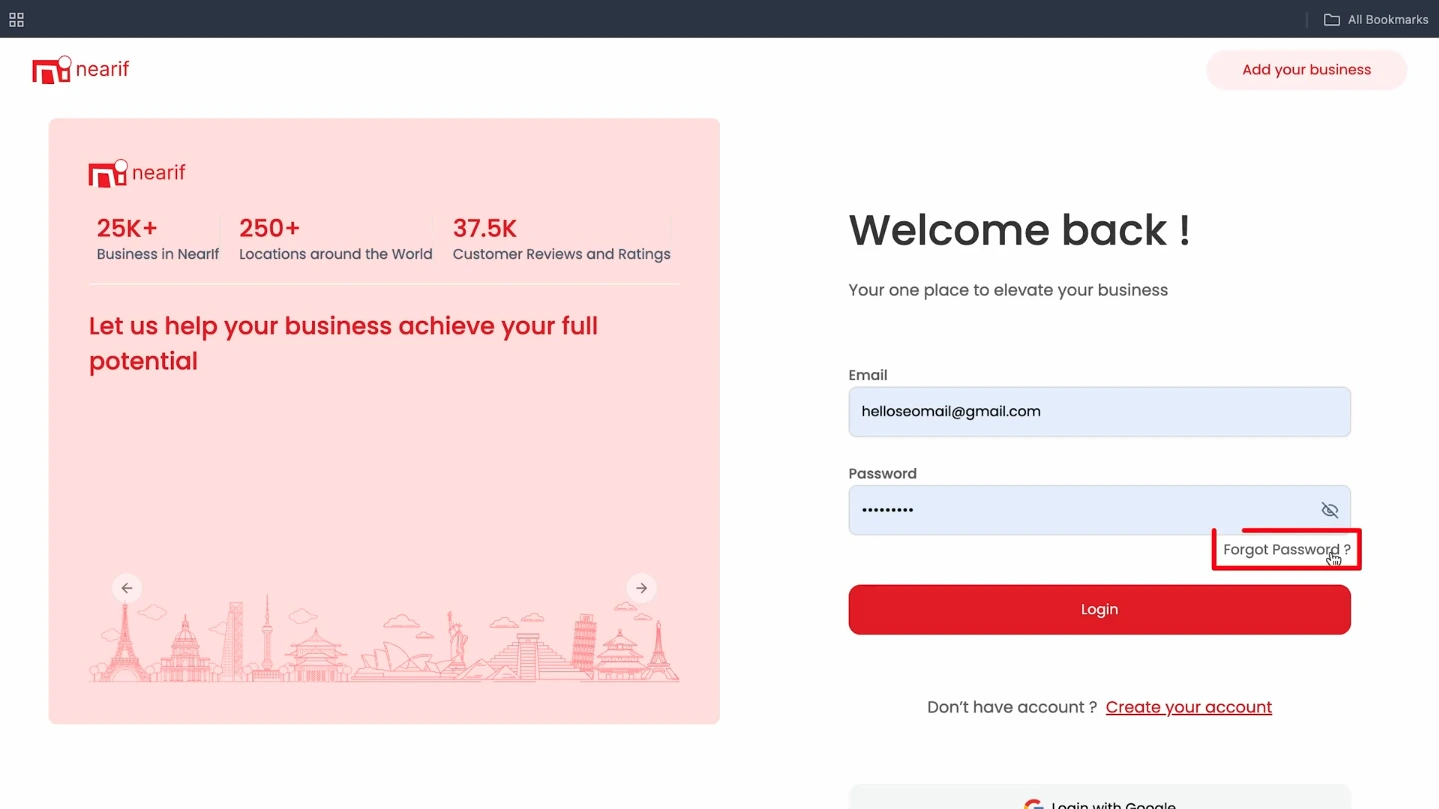
Go to the login page and click Forgot password
Open the Nearif login page. Under the password field, select Forgot password to start the reset flow.
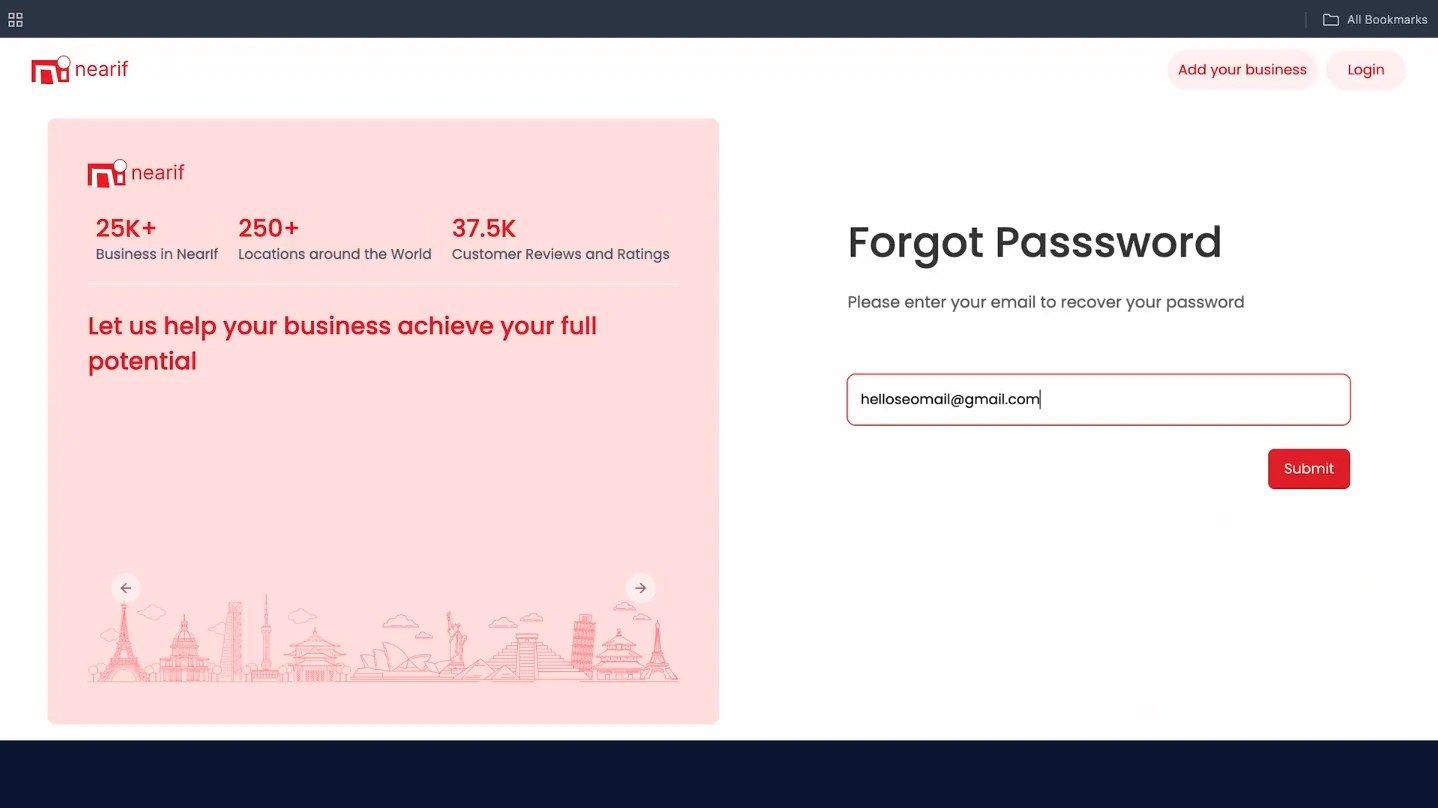
Enter the email you used for your Nearif account
Type the email address associated with your Nearif account, then submit the form to receive a one‑time password (OTP).
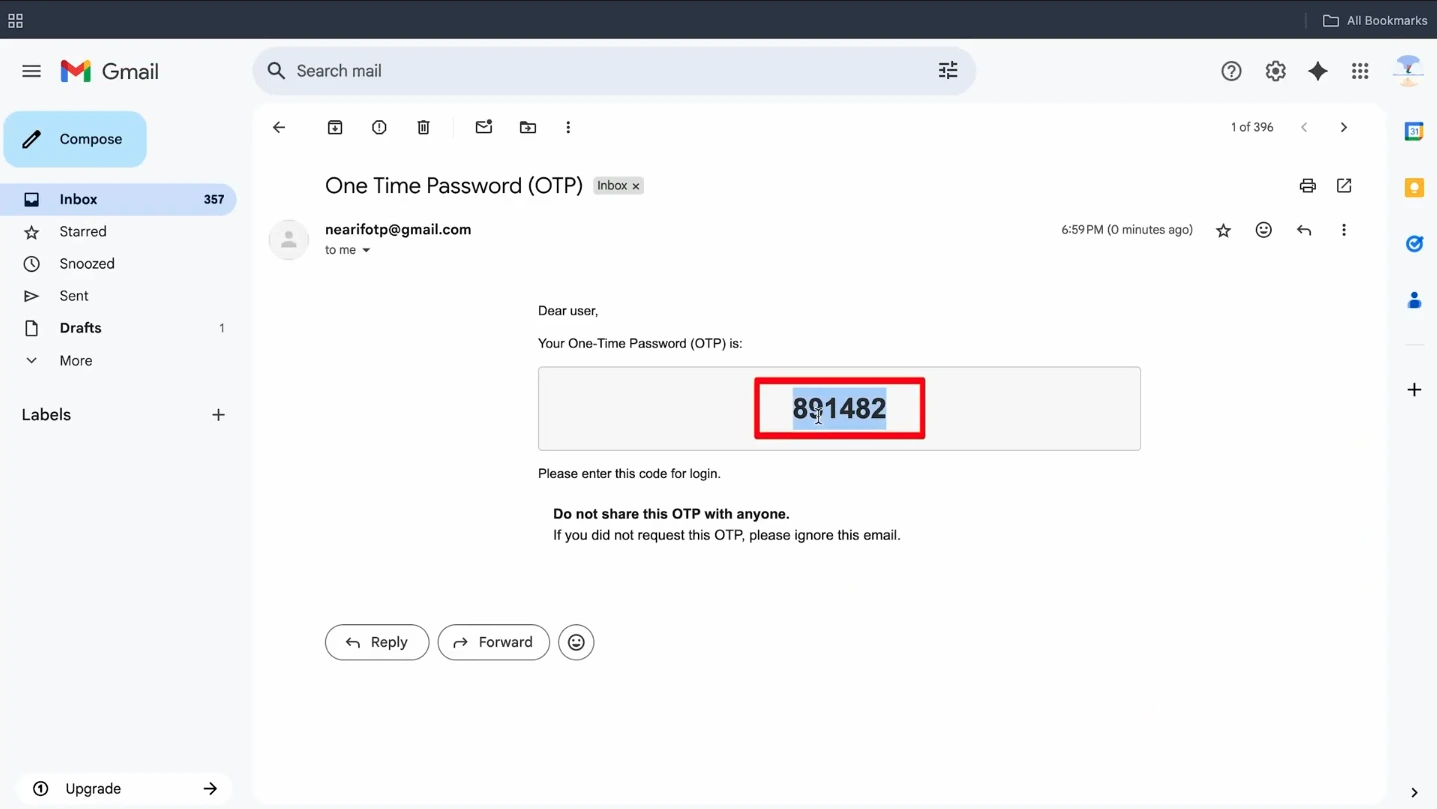
Check your inbox for the OTP
Look for an email from Nearif containing the OTP. If you don’t see it within a minute or two, check your spam or promotions folder.
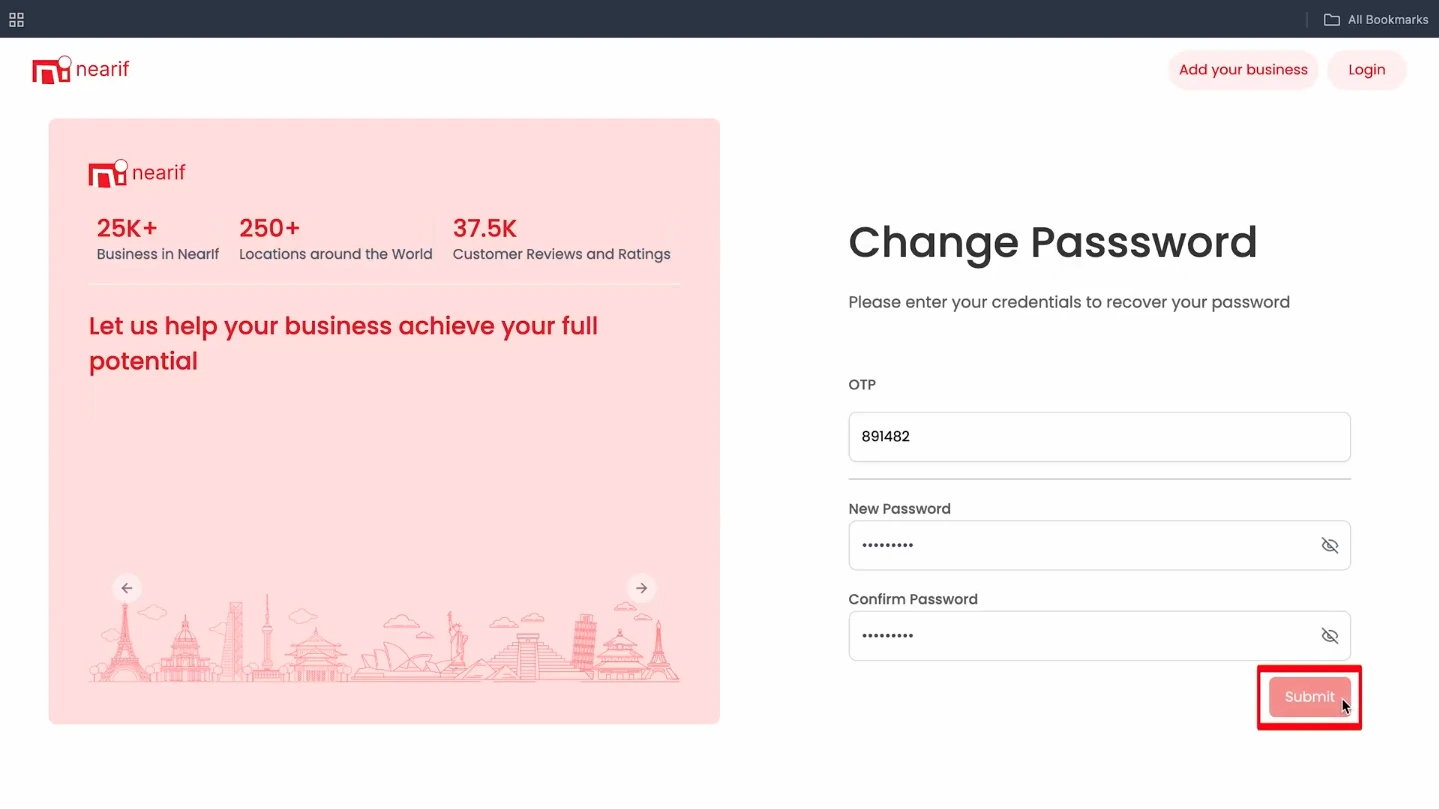
Enter the OTP, create a new password, and submit
Paste or type the OTP to verify it’s you. Then choose a new password, confirm it, and press Submit.
Need help?
I didn’t receive the OTP
Wait 1–2 minutes and refresh your inbox. Check spam/junk folders. If still missing, resend the OTP from the reset screen and ensure your email address is correct.
The OTP says it’s invalid or expired
Request a fresh OTP and enter it within the time limit. Avoid extra spaces when pasting the code.
I can’t remember which email I used
Try any email accounts you may have used with Nearif. If you’re still unsure, contact support and verify your identity.
You could watch this video tutorial on YouTube
Found this useful? Pass it on
More inNearif Guides